From the counter to «your order is ready!»
What your customer sees at every step, and what your team does at the same moment. No app, no account, no pager.
-
Orders and pays
CustomerOrders at the counter as usual and gets an order number — on the receipt, or said by the cashier.
CaféWith Wimo POS the order goes straight to the barista or kitchen. With any other till, the barista adds the number in one tap.
-
Scans the QR code
CustomerPoints the phone camera at the poster on the counter or the QR on the receipt. A light page opens — nothing to install.
CaféNothing to do: the poster is printed once from the dashboard.
-
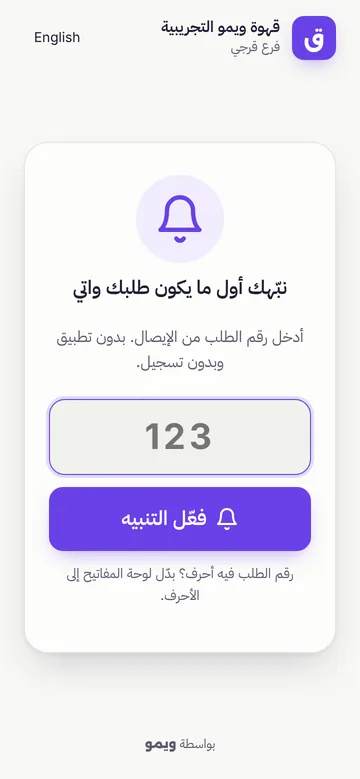
Types the order number
CustomerTypes the number and taps «Notify me». Arabic or Western digits both work.
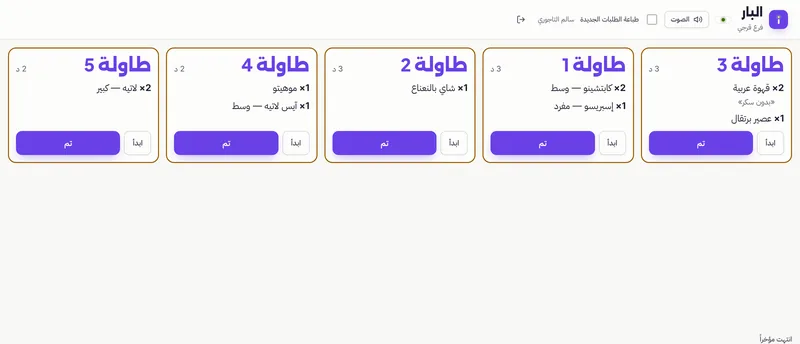
CaféThe order is already on the barista's live queue (and on the kitchen and bar screens if you use them).
-
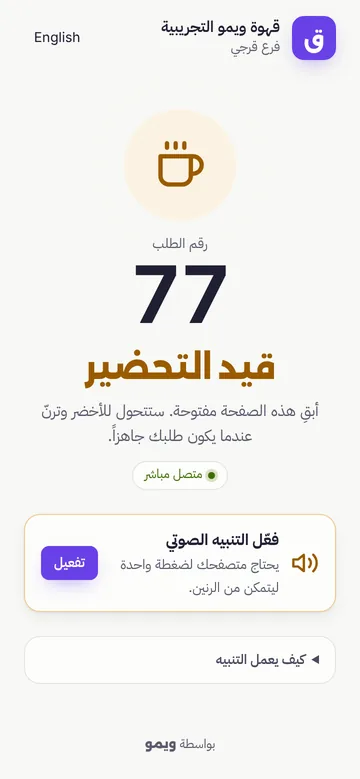
Waits freely
CustomerSits down, chats, checks messages. The page shows «Preparing» and updates by itself.
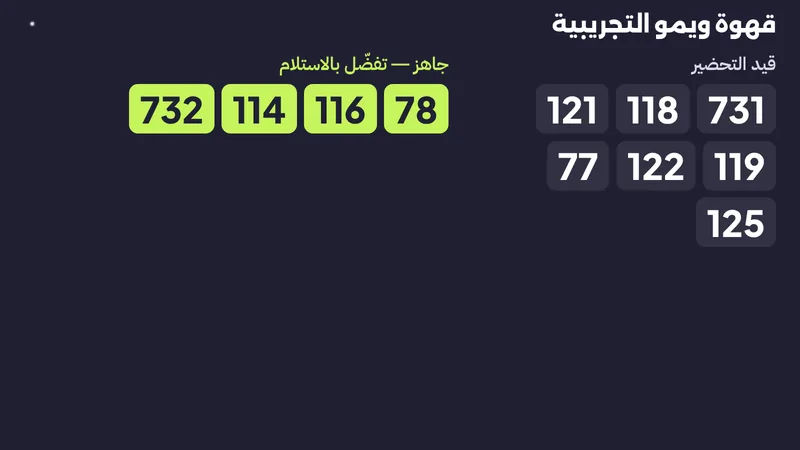
CaféThe team prepares in order. The counter TV can show which numbers are being prepared — no crowd at the counter.
-
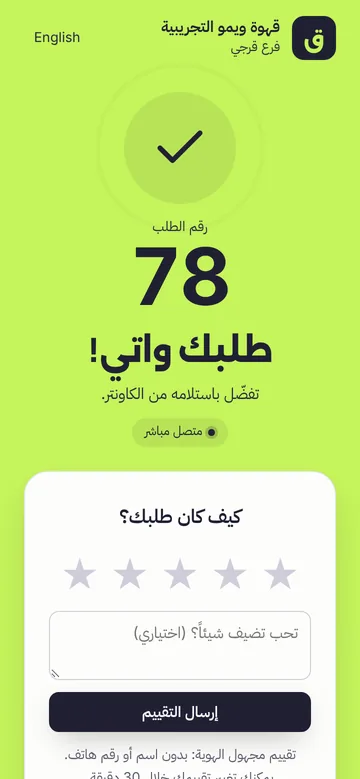
«Your order is ready!»
CustomerThe screen turns green, the phone rings and vibrates. No shouting numbers.
CaféThe barista taps «Ready ✓» — or, with kitchen and bar screens, it happens when the last station finishes.
-
Collects — and tells you how it was
CustomerPicks up the order. Can leave a quick star rating, and collect a loyalty stamp if your café uses the card.
CaféTaps «Collected». Preparation times and ratings appear in your reports.
You are the barista. Tap «Ready ✓»
A simulation in your browser: nothing is sent anywhere.
Preparing
Sitting at a table? The journey is shorter
For cafés that turn on tables (Wimo POS).
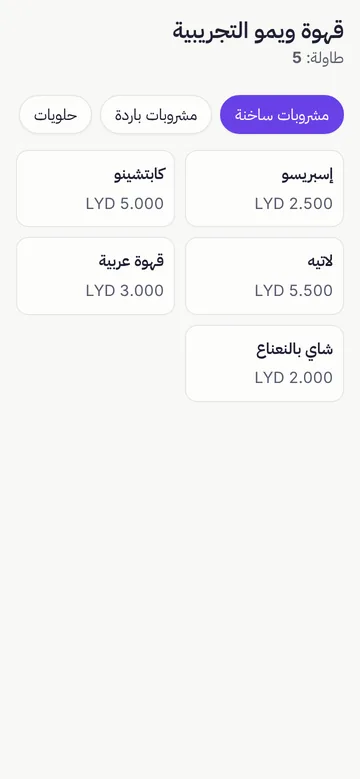
Scan the table's QR
The menu opens on the phone, with prices.
Send the order
It waits for the cashier to accept it, so nothing reaches the kitchen by mistake.
Served at the table
Each item goes to the bar or kitchen as it's ordered.
Pay at the counter
The bill holds exactly what the table ordered.
Good to know: alerts need internet on the customer's phone. A locked phone, muted sound or a closed page can delay the alert, so the page tells customers to keep it open — the counter screen is a good backup.
See Wimo in your café
Tell us about your café and we'll set up a free demo and send you a quote.